Projects

More of Joe's Projects

Some of the iOS apps Joe developed for JPMorganChase and for clients while working as a consultant with E-gineering.

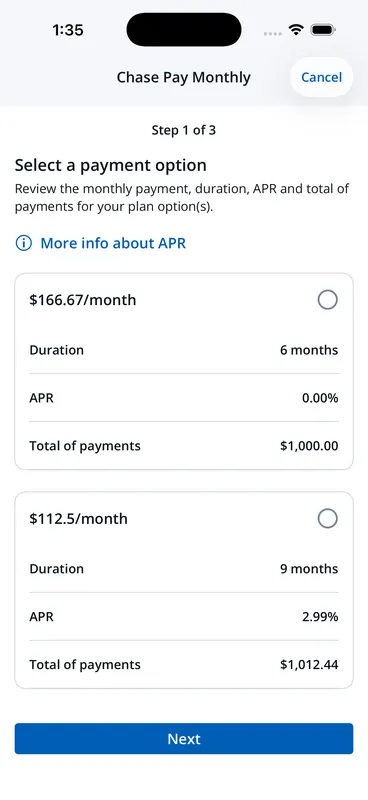
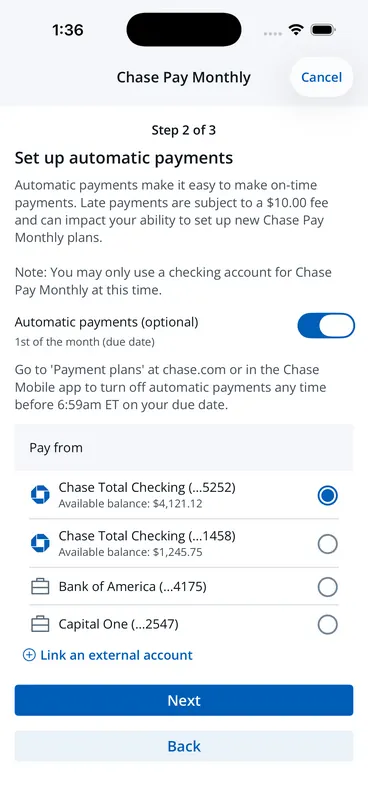
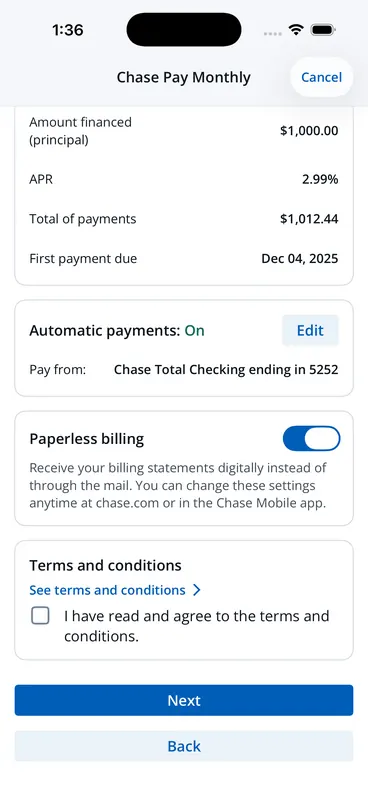
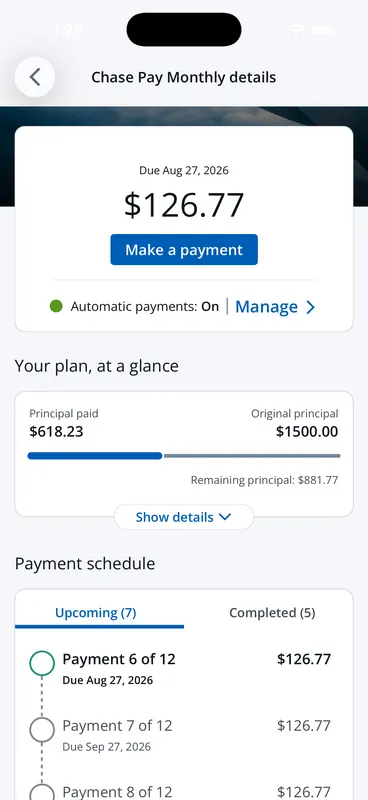
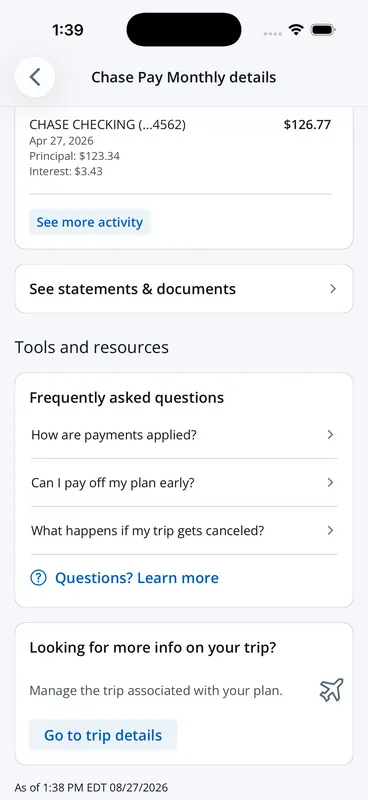
  • Installment Loan screenshot 1
  • Installment Loan screenshot 2
  • Installment Loan screenshot 3
  • Installment Loan screenshot 4
  • Installment Loan screenshot 5

Installment Loan

Led development and maintenance of the Installment Loan Swift component powering financing in the Chase travel app. The app delivers one-time and automatic recurring payment flows, with redesigned loan-detail screens giving customers clear visibility into balances and payment schedules. It's built on a SwiftUI MVVM architecture using async/await and actor-based concurrency, with ADA-compliant screens supporting dynamic type, dark mode, and VoiceOver.

  • Designed and delivered the one-time payment flow end to end, integrating payment options, validation, and add-payment experience-service APIs.
  • Launched automatic (recurring) payments and redesigned loan-detail screens, giving customers clearer visibility into balances and payment schedules.
  • Championed a SwiftUI MVVM architecture with async/await and actor-based concurrency, authoring the code design patterns and view conventions later adopted team-wide.
  • Adopted Swift Package Manager across both the Installment Loan and Pay in 4 codebases to modularize features and manage third-party dependencies, improving build times and enabling independent team ownership of components.
  • Raised unit-test coverage above 70% for new code using XCTest and the Swift Testing framework.
  • Introduced API contract testing with WireMock and Sage UI tests, validating success, edge-case, and error responses across the Eligible Accounts, Loan Detail, and Payment APIs.
  • Partnered with product, design, QA, and accessibility teams to ship ADA-compliant screens featuring dynamic type, dark mode, and VoiceOver support.
  • SwiftUI
  • MVVM
  • async/await
  • actors
  • VoiceOver
  • Dynamic Type
  • Dark Mode
  • Pay in 4 screenshot 1
  • Pay in 4 screenshot 2
  • Pay in 4 screenshot 3
  • Pay in 4 screenshot 4
  • Pay in 4 screenshot 5

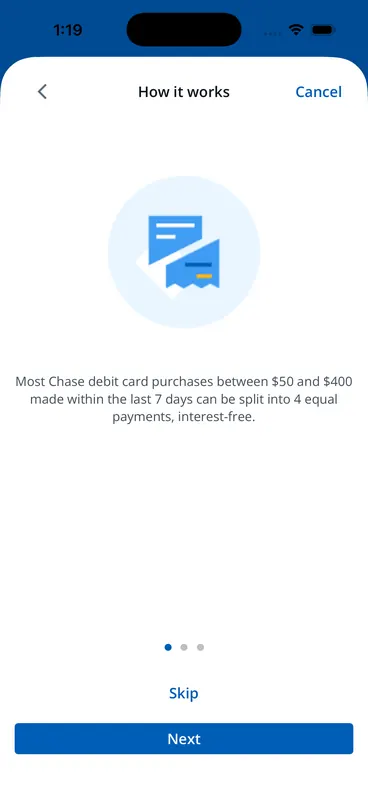
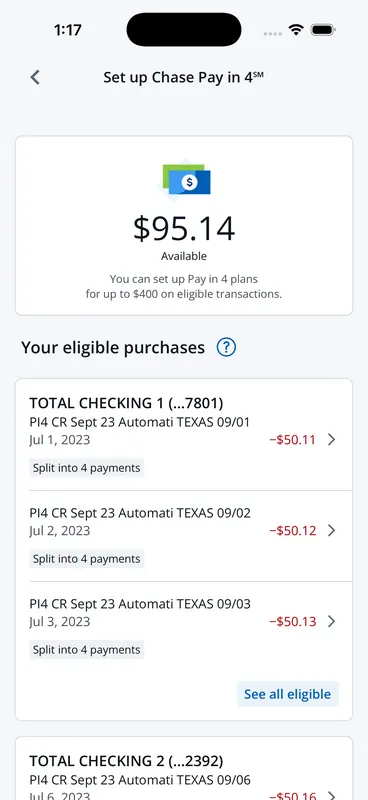
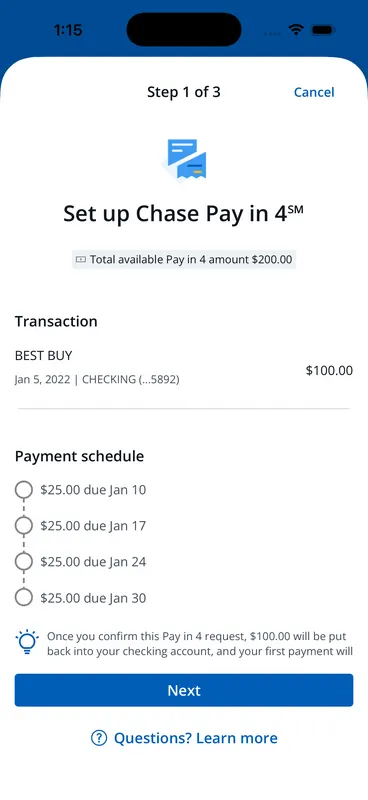
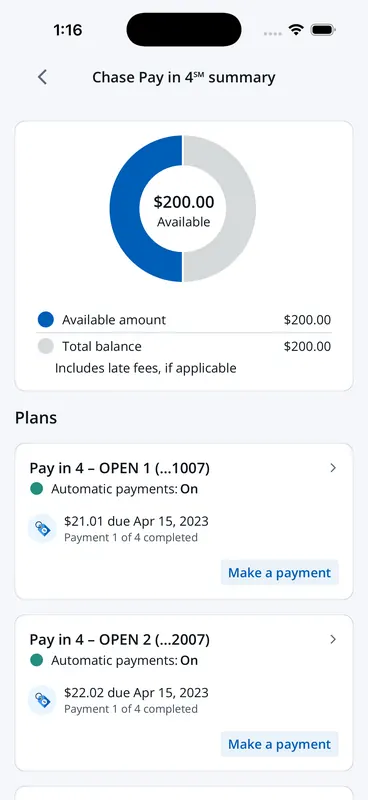
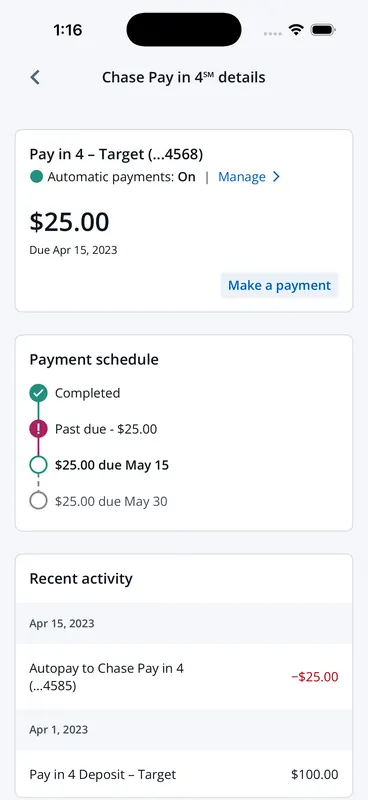
Pay in 4

Led development and maintenance of the Pay in 4 Swift component in the Chase retail mobile app. The app delivers a Pay in 4 payment experience to tens of millions of customers, built on an MVVM-C architecture with pixel-perfect interfaces using MDS design-system components. It features a fully ADA-compliant VoiceOver experience along with dynamic type and dark mode support for vision-impaired customers.

  • Delivered the Pay in 4 experience to tens of millions of customers as a core engineer on a distributed team, achieving a 94 NPS on an MVVM-C architecture.
  • Built pixel-perfect interfaces with MDS design-system components and instrumented analytics across all screen and action events.
  • Drove the codebase migration to Swift 6, enabling strict concurrency, adopting actor isolation, and eliminating hundreds of compiler warnings.
  • Implemented API error handling and knock-out content flows (ineligible, past-due, and bankruptcy/collections) across loan setup and management user flows.
  • Refactored deep-link routing and added dynamic type and dark mode support while migrating to the updated MDS component library.
  • Strengthened framework stability and release quality through XCTest unit tests and automated Sage UI test suites.
  • Used Split (now Harness) for feature flagging and A/B testing, enabling controlled rollouts and experimentation across the Pay in 4 experience.
  • MVVM-C
  • MDS
  • VoiceOver
  • Dynamic Type
  • Dark Mode
  • ADA
  • Compliance Testing screenshot 1
  • Compliance Testing screenshot 2
  • Compliance Testing screenshot 3
  • Compliance Testing screenshot 4
  • Compliance Testing screenshot 5

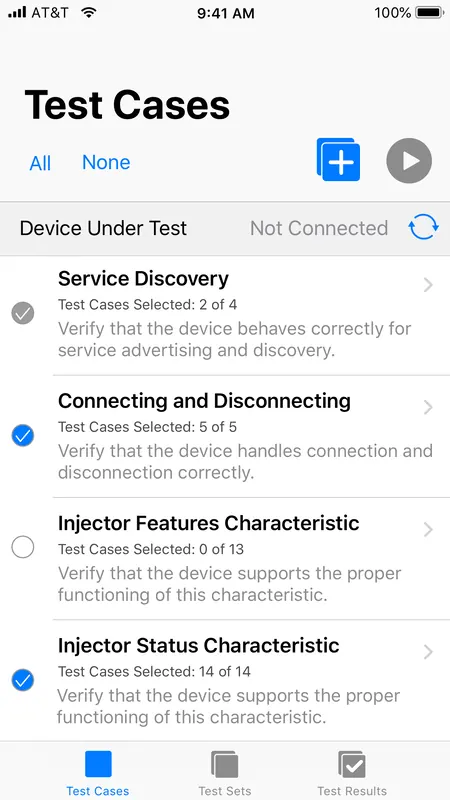
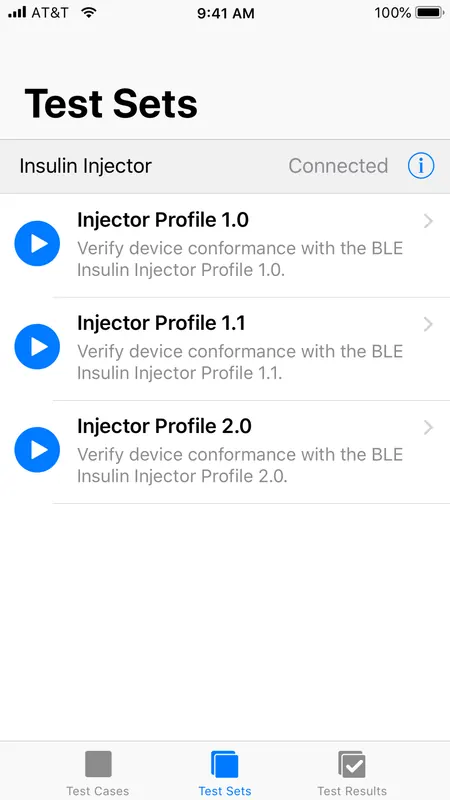
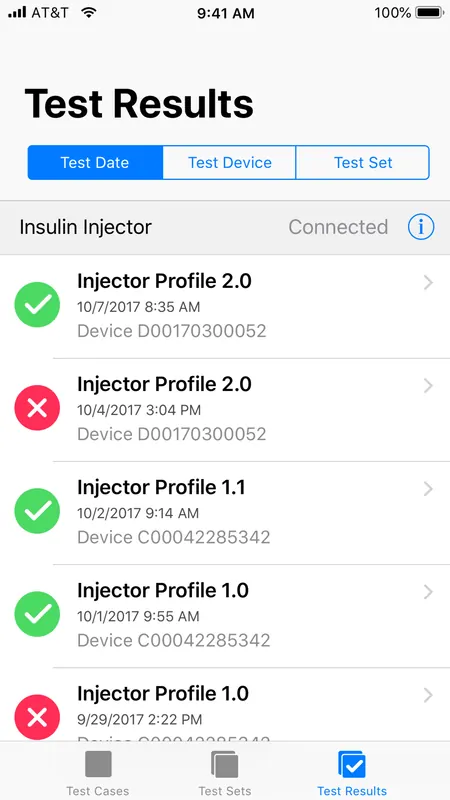
Injector Verifier

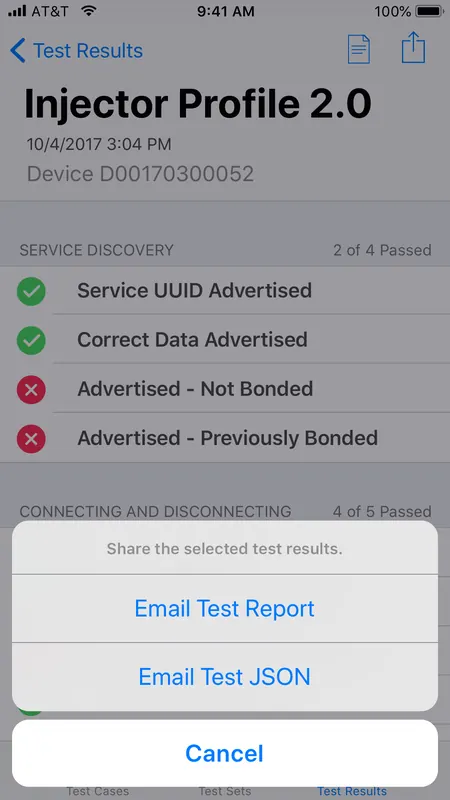
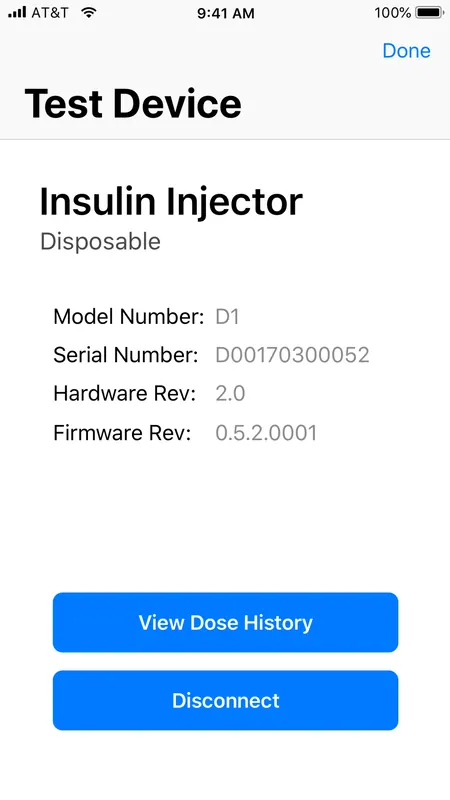
This app was developed for a major pharmaceutical company. It is used by hardware engineers and quality assurance to verify the correct behavior of proprietary Bluetooth-enabled medical devices. It uses Bluetooth Low Energy (BLE) and the RZBluetooth library to enable the automated execution of custom test suites. I used Nordic Semiconductor's CoreBluetoothMock library to emulate Core Bluetooth objects for unit testing.

  • Designed and built a testing app that verifies insulin-injector compliance with Bluetooth Low Energy (BLE) injector-profile requirements.
  • Developed a companion iOS app that simulates an insulin injector for end-to-end testing.
  • Implemented a suite of asynchronous injector test cases with a functional design using the RZBluetooth framework.
  • Persisted test results and logs with Core Data to support auditing and regulatory compliance.
  • Automated custom text and JSON report generation and delivery via the Message UI framework.
  • Wrote unit and service-integration tests with XCTest.
  • Produced interaction and visual designs using Balsamiq Mockups, Sketch, and Marvel.
  • Bluetooth Low Energy
  • RZBluetooth
  • CoreBluetoothMock
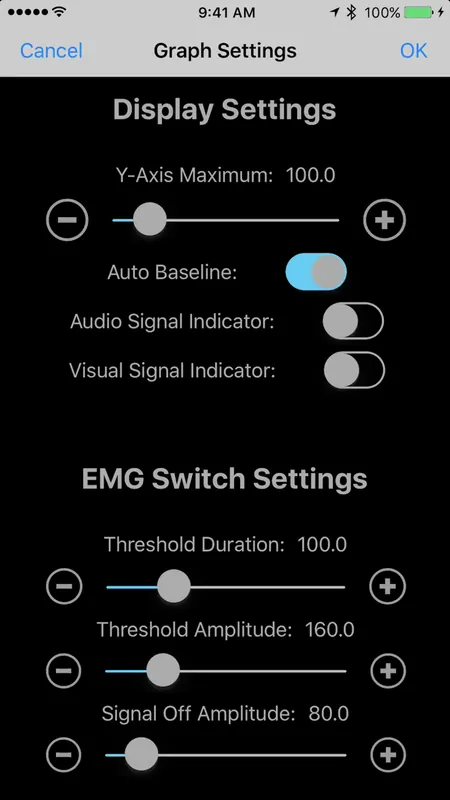
  • NeuroNode Controller screenshot 1
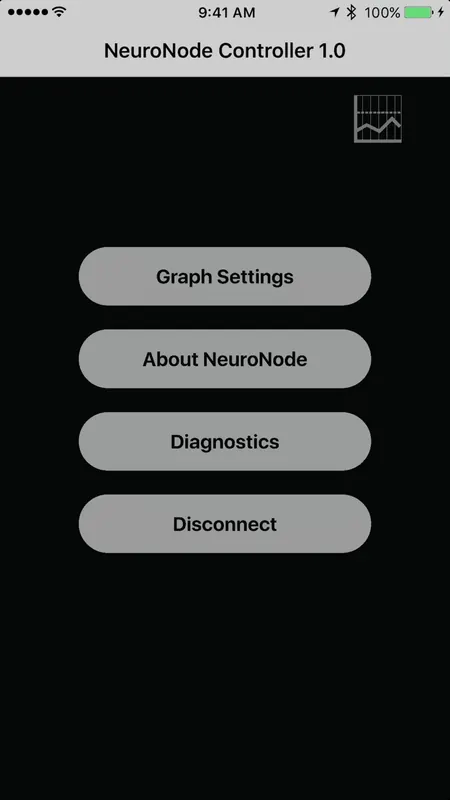
  • NeuroNode Controller screenshot 2
  • NeuroNode Controller screenshot 3
  • NeuroNode Controller screenshot 4
  • NeuroNode Controller screenshot 5

NeuroNode Controller

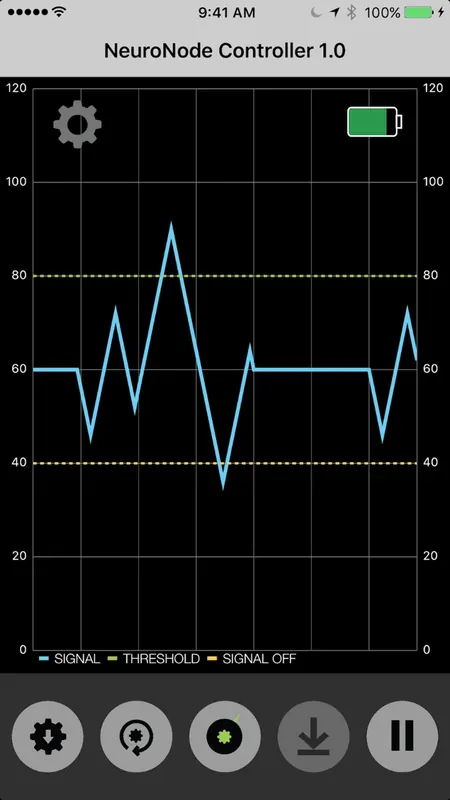
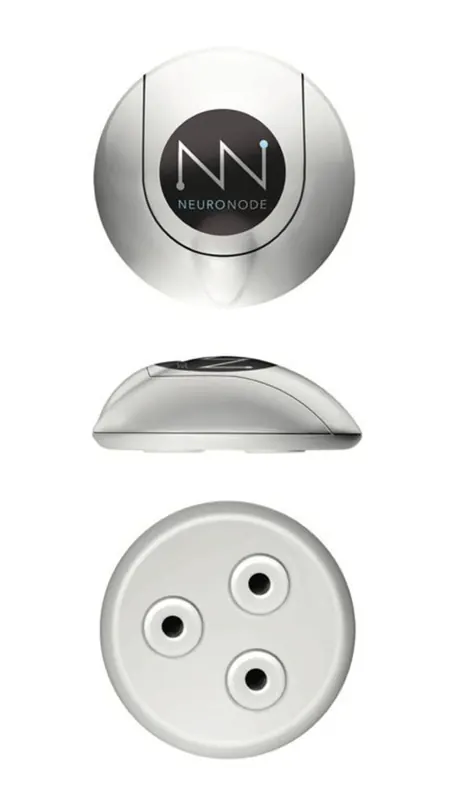
This app was developed for an innovative medical technology company. The app facilitates the use of NeuroNode — the world's first wearable EMG assistive communications device — to operate iOS devices using bioelectrical signals. It uses Bluetooth Low Energy (BLE) and Apple's Core Bluetooth framework to help users personalize NeuroNode for use with Apple's assistive technology. Real-time graphing of EMG signals is accomplished using the Charts framework.

  • Integrated Core Bluetooth and BLE so users could personalize NeuroNode for use with Apple's assistive technologies.
  • Designed a closure-based API to encapsulate and reuse Bluetooth interactions.
  • Visualized real-time EMG signals with an interactive graph using the Charts framework.
  • Implemented audio and visual signal indicators using Core Audio and UIKit animations.
  • Created and edited design assets in Adobe Photoshop.
  • Core Bluetooth
  • Bluetooth Low Energy
  • Charts
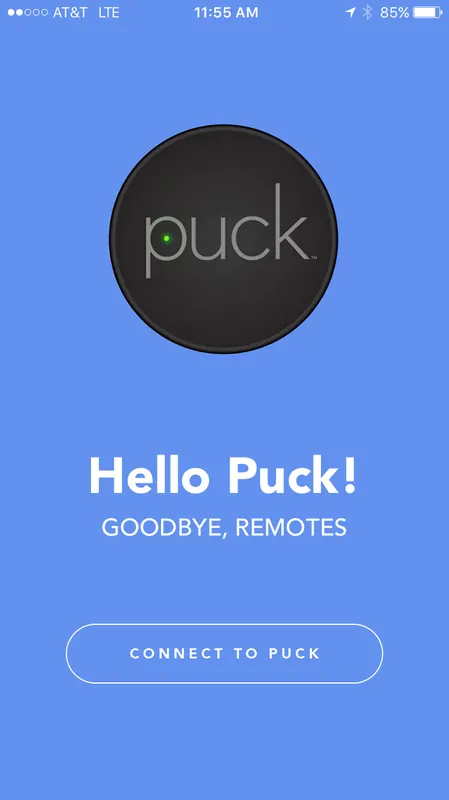
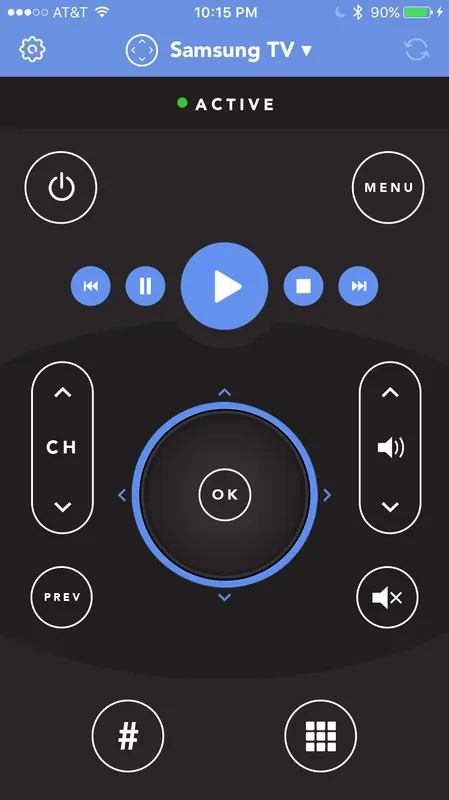
  • Puck screenshot 1
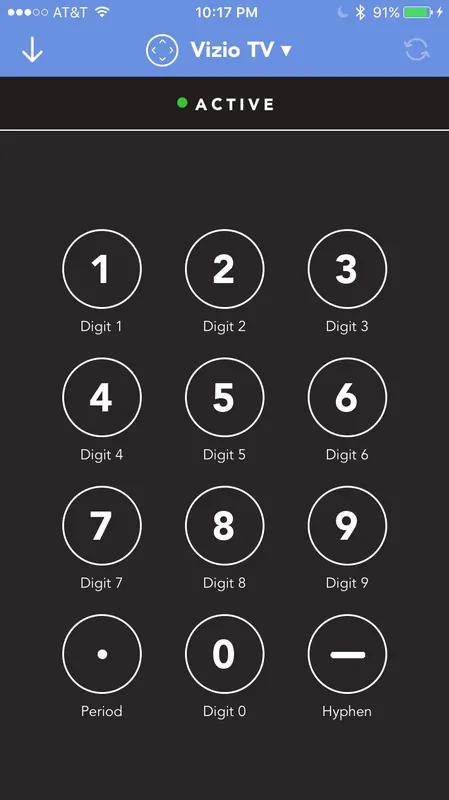
  • Puck screenshot 2
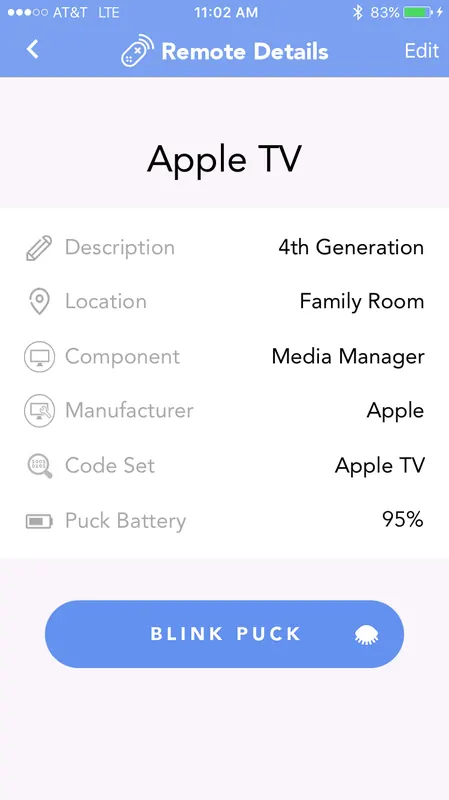
  • Puck screenshot 3
  • Puck screenshot 4
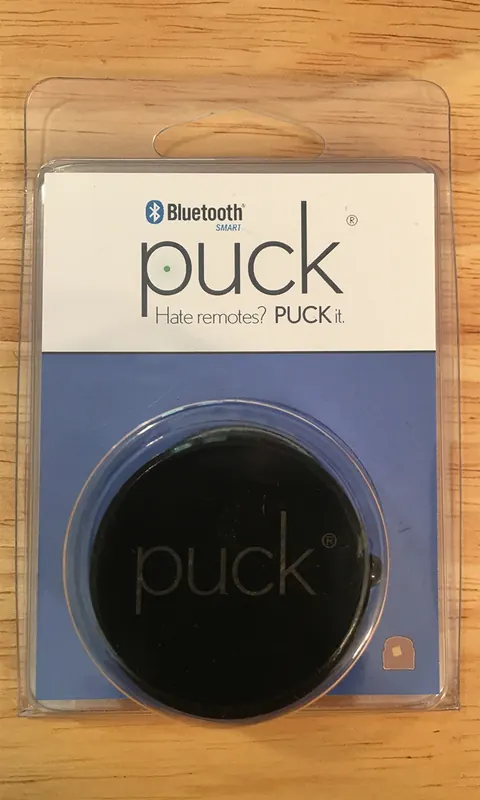
  • Puck hardware

Puck

This app was developed for a Midwest based startup company. It is a universal remote control app used to consolidate remotes, and to overcome the line-of-sight and range limitations of infrared (IR) technology. It uses Bluetooth Low Energy (BLE) and Apple's Core Bluetooth framework to send IR commands to a custom built hardware component.

  • Transmitted IR commands over Bluetooth Low Energy (BLE) to custom-built hardware using Core Bluetooth.
  • Designed a closure-based API to encapsulate and reuse hardware communication.
  • Consumed RESTful JSON web services with Foundation Networking, securing requests with JSON Web Tokens.
  • Managed and persisted remote-control configurations with Core Data.
  • Embedded web content in the native app using WebKit.
  • Core Bluetooth
  • Bluetooth Low Energy
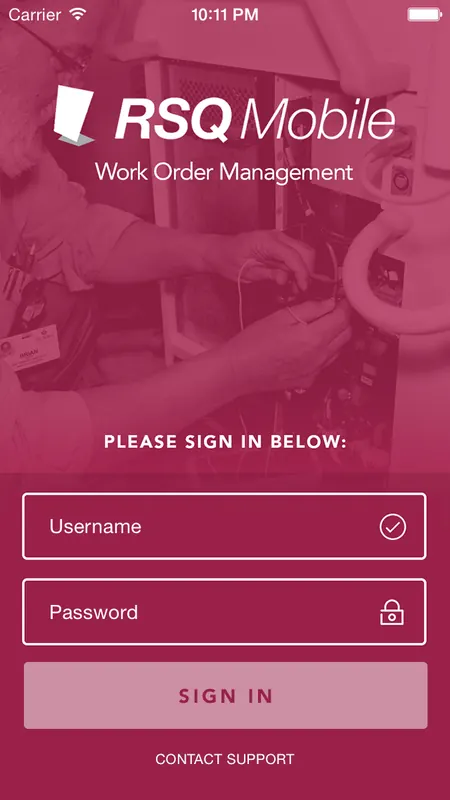
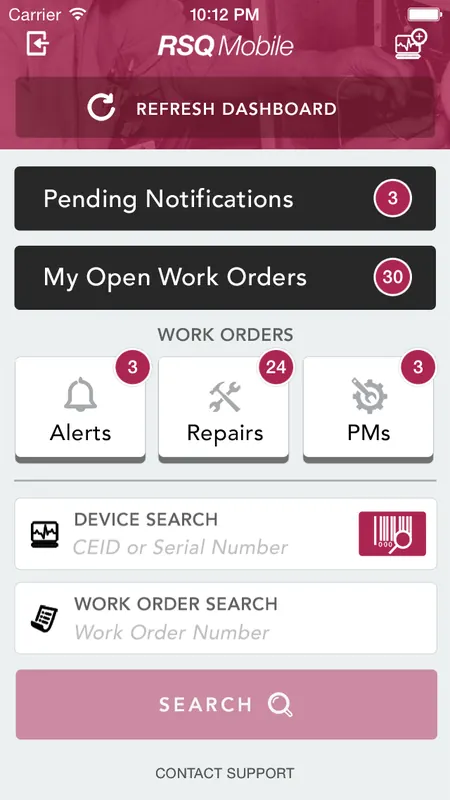
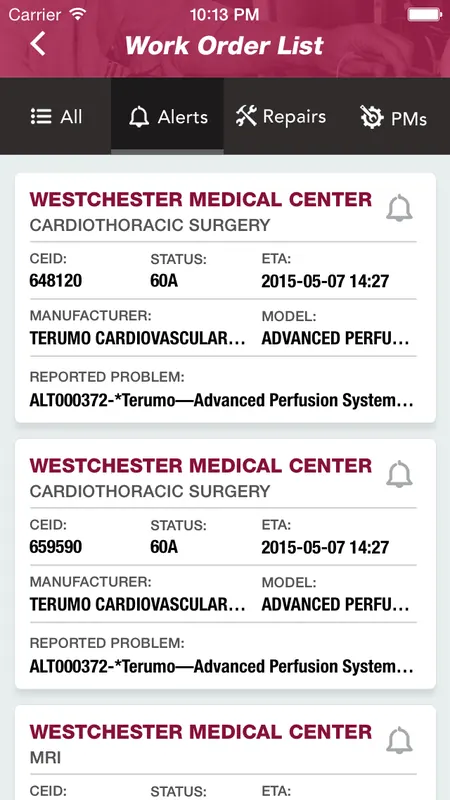
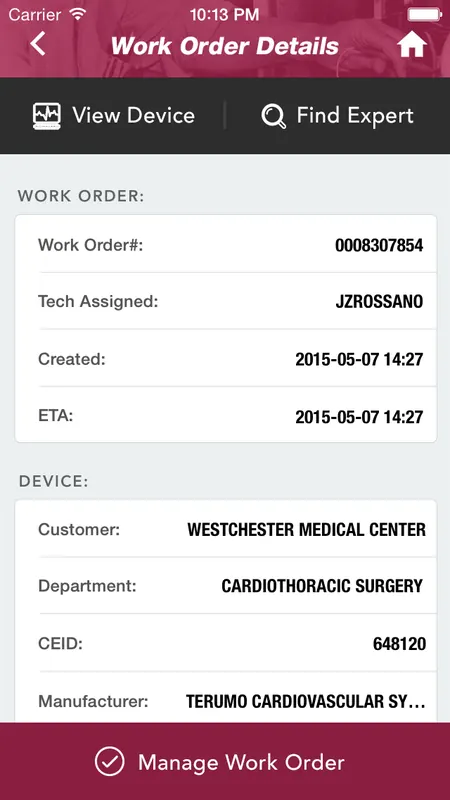
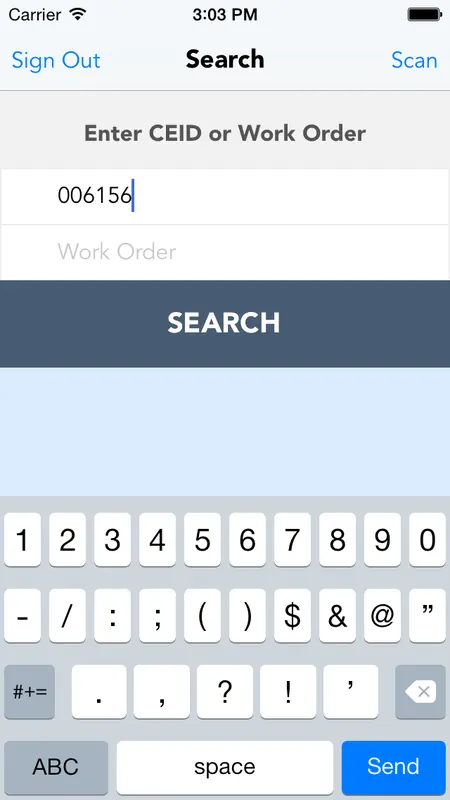
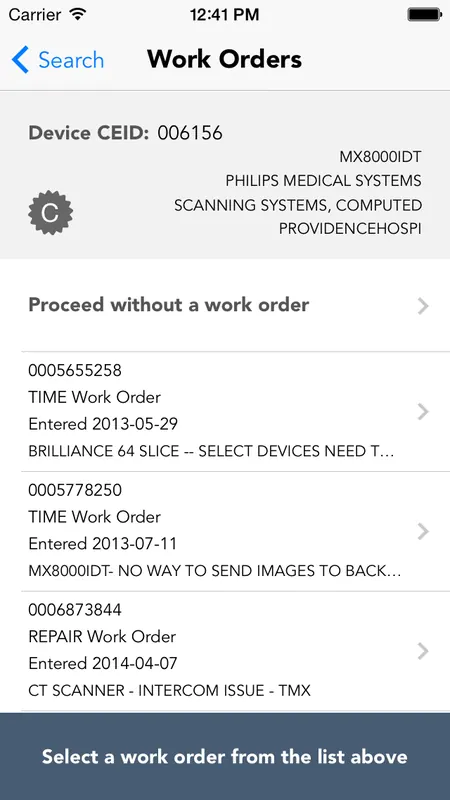
  • RSQ Mobile screenshot 1
  • RSQ Mobile screenshot 2
  • RSQ Mobile screenshot 3
  • RSQ Mobile screenshot 4
  • RSQ Mobile screenshot 5

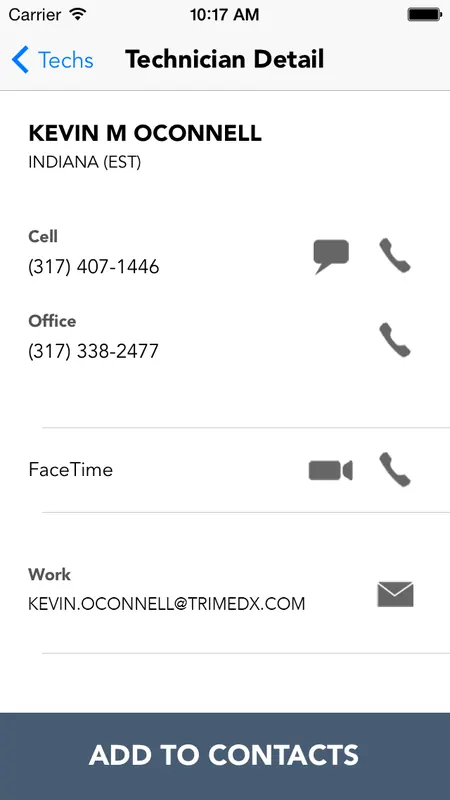
RSQ Mobile

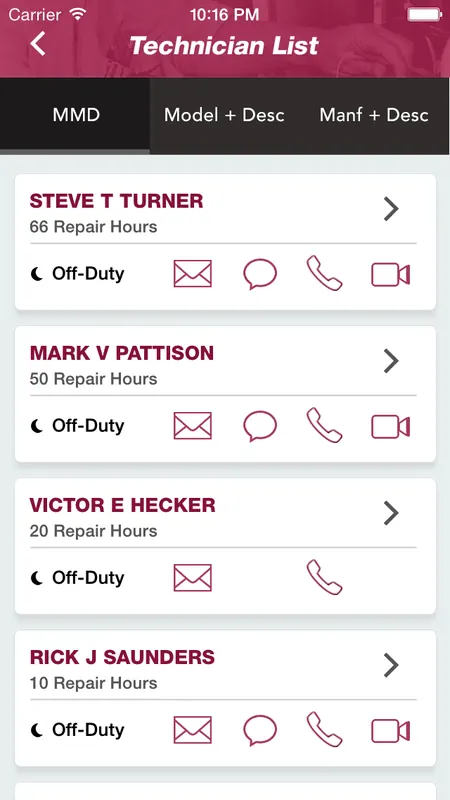
This app was developed for a healthcare technology management company. It is used by service technicians to manage notifications, work orders, and medical device information. It uses the RestKit framework to interact with custom built RESTful web services.

  • Built custom table views and cells to deliver specialized appearance and behavior.
  • Integrated RESTful JSON web services with the RestKit framework.
  • Authenticated users against Active Directory via Foundation Networking.
  • Enabled in-app email and text messaging with Message UI, and click-to-call and FaceTime through Apple URL schemes.
  • Added camera-based barcode scanning using AV Foundation.
  • RestKit
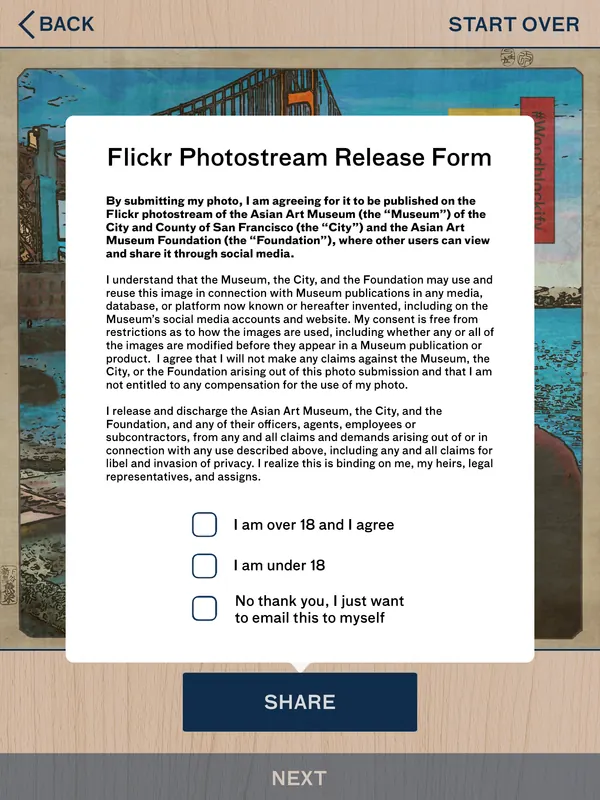
  • Woodblockify Yourself screenshot 1
  • Woodblockify Yourself screenshot 2
  • Woodblockify Yourself screenshot 3
  • Woodblockify Yourself screenshot 4
  • Woodblockify Yourself screenshot 5

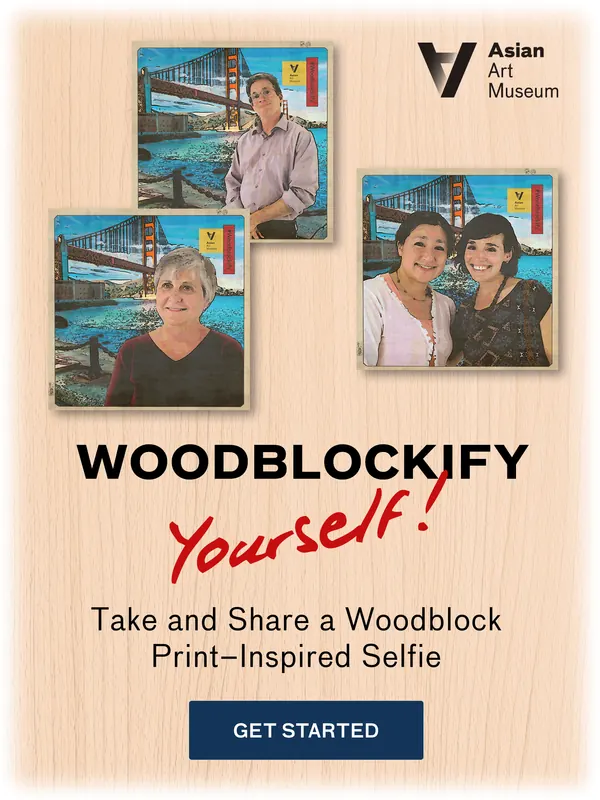
Woodblockify Yourself

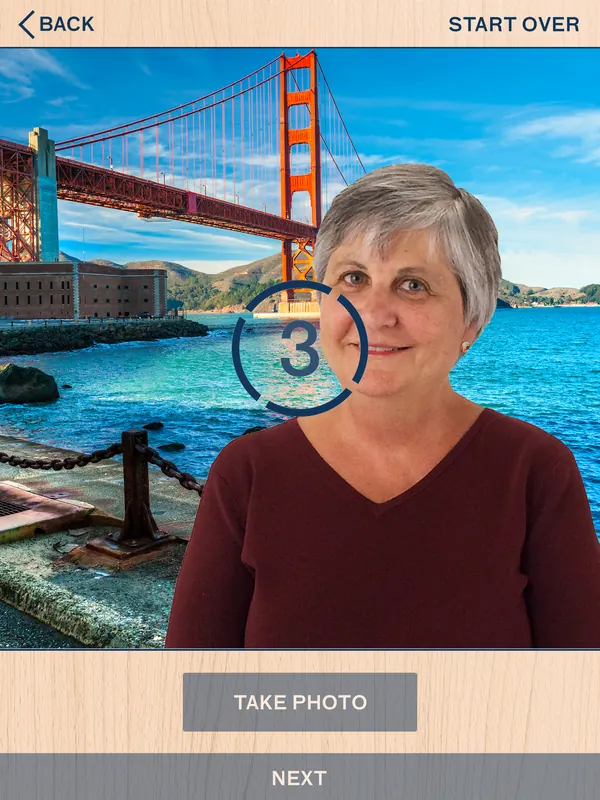
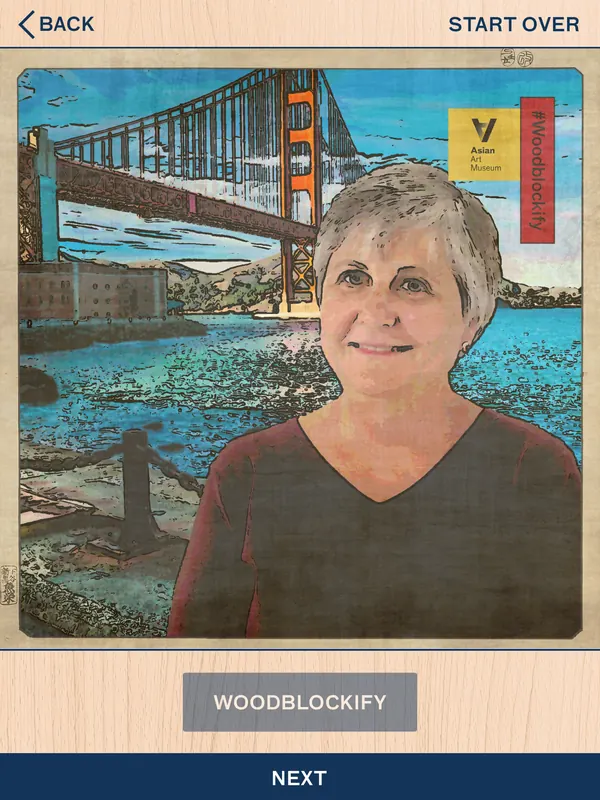
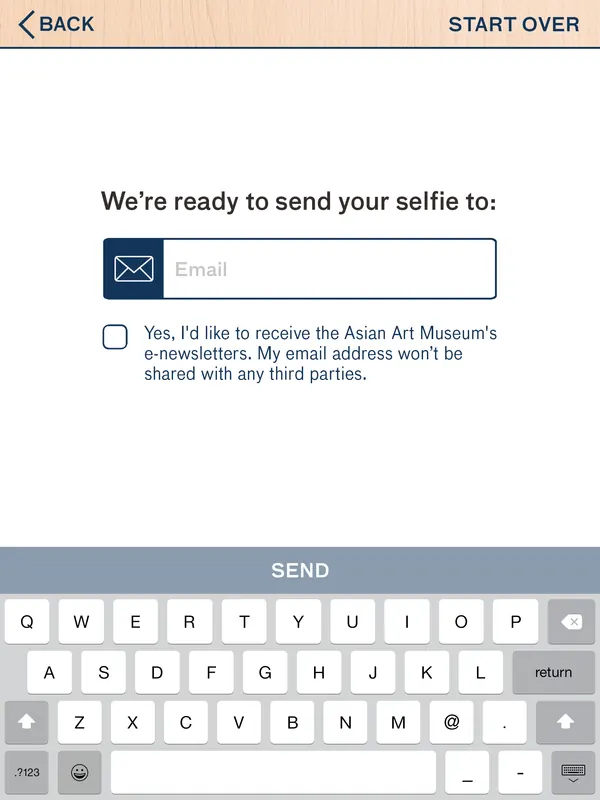
This app was developed for a Japanese art exhibition at an art museum. It is used by museum guests, who can create a Japanese woodblock print-inspired selfie. Guests can email their selfie, and choose to share it on the museum's Flickr Photostream. It uses the GPUImage framework for GPU-based image processing. Flickr integration is accomplished using the ObjectiveFlickr API framework.

  • Delivered a live camera feed and still-image capture with AV Foundation.
  • Created a custom woodblock-print image effect using the GPUImage framework.
  • Enabled guests to email their creations via MailCore and share to a Flickr Photostream via ObjectiveFlickr.
  • Captured newsletter sign-ups to a remote database with the Parse iOS SDK.
  • Integrated the Fabric SDK for analytics, crash reporting, and beta distribution.
  • GPUImage
  • ObjectiveFlickr
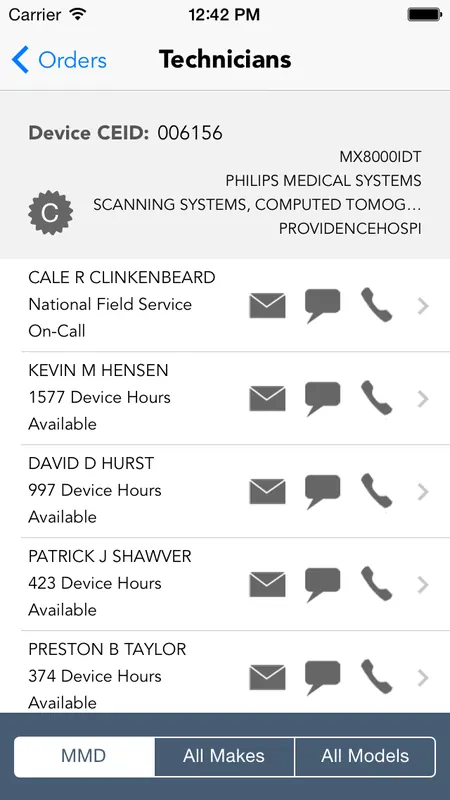
  • Tech-Xpert screenshot 1
  • Tech-Xpert screenshot 2
  • Tech-Xpert screenshot 3
  • Tech-Xpert screenshot 4
  • Tech-Xpert screenshot 5

Tech-Xpert

This app was developed for a healthcare technology management company. It is used by service technicians to locate and access specific technical expertise within the organization. It uses Apple's Message UI framework and URL Schemes to enable communication by email, text, phone, and FaceTime.

  • Designed a block-based service API to encapsulate and reuse web services.
  • Authenticated users against Active Directory via Foundation Networking and integrated RESTful JSON services with RestKit.
  • Enabled in-app email and text via Message UI, and click-to-call and FaceTime through Apple URL schemes.
  • Added camera-based barcode scanning with the ZBar SDK.
  • Message UI
  • URL Schemes
  • Pointillize Yourself screenshot 1
  • Pointillize Yourself screenshot 2
  • Pointillize Yourself screenshot 3
  • Pointillize Yourself screenshot 4
  • Pointillize Yourself screenshot 5

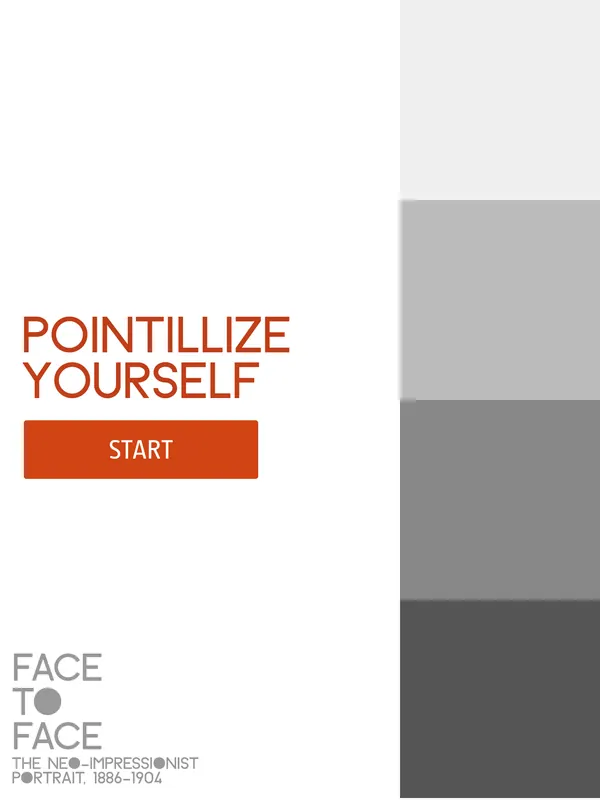
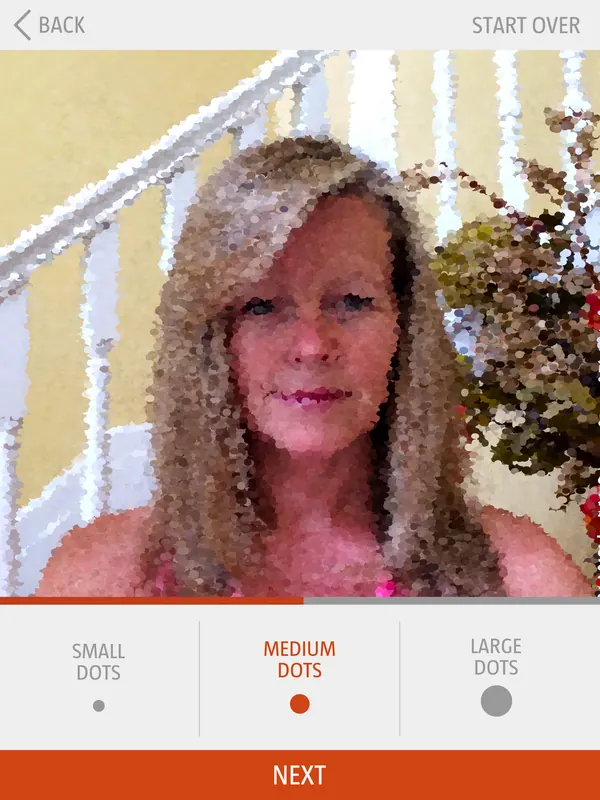
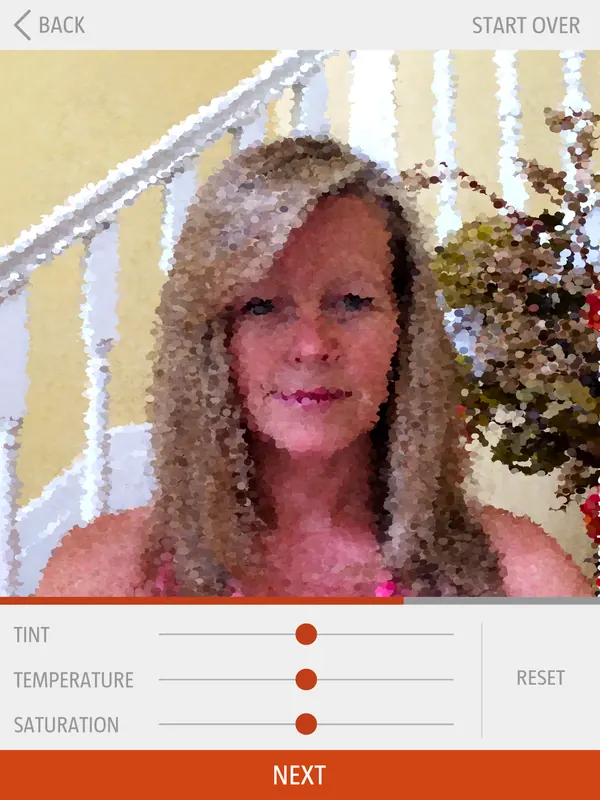
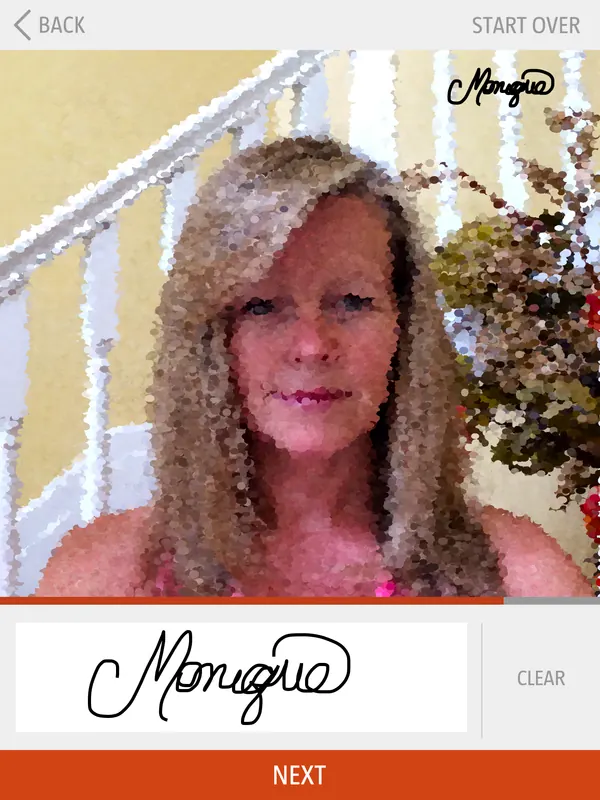
Pointillize Yourself

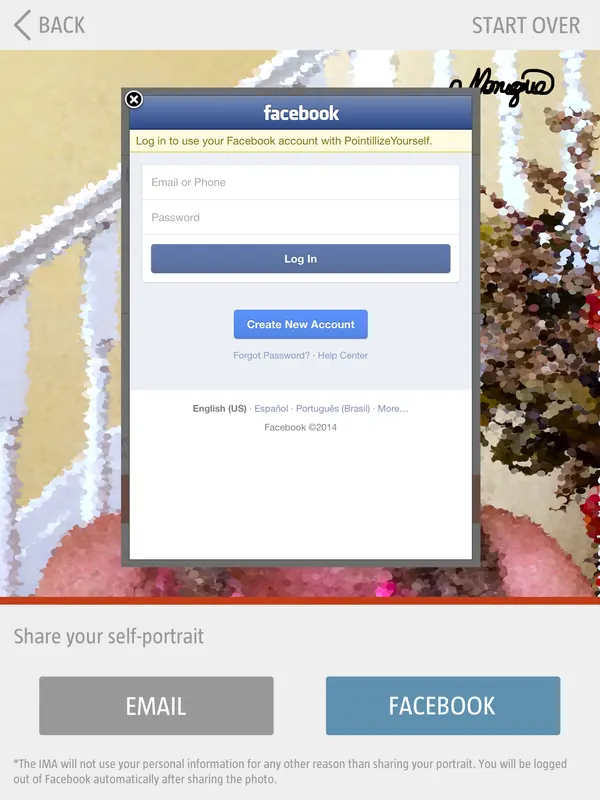
This app was developed for a neo-impressionist exhibition at an art museum. It is used by museum guests, who can create a pointillism style self-portrait and post it to their Facebook accounts. It uses Apple's Core Image framework and a custom photo filter built using Core Graphics. Facebook integration is accomplished using the Facebook iOS SDK and a custom Open Graph Story.

  • Delivered a live camera feed and still-image capture with AV Foundation.
  • Wrote a custom pointillism image filter with Core Graphics and fine-tuned tint, temperature, and saturation with Core Image.
  • Enabled users to sign their portraits using UIKit gesture recognizers.
  • Posted images to a custom web service with AFNetworking and enabled email sharing via MailCore.
  • Integrated the Facebook SDK and Open Graph API for social sharing, and the Google Analytics SDK for screen and event tracking.
  • Core Image
  • Core Graphics
  • Facebook iOS SDK
  • Filter Monitor screenshot 1
  • Filter Monitor screenshot 2
  • Filter Monitor screenshot 3
  • Filter Monitor screenshot 4
  • Filter Monitor screenshot 5

Filter Monitor

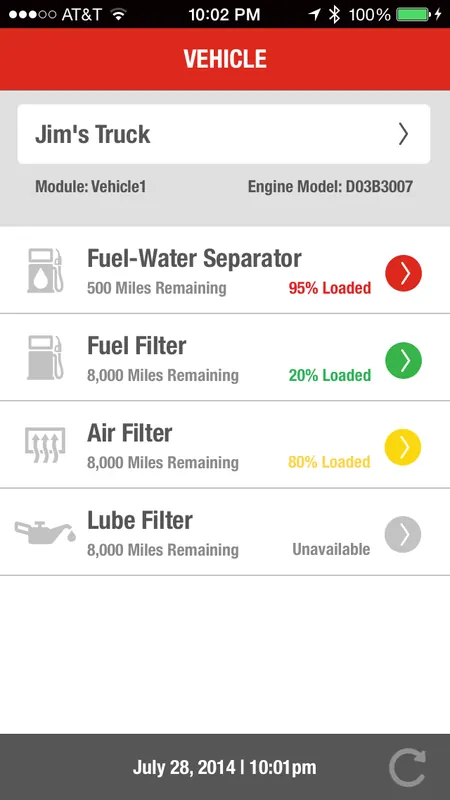
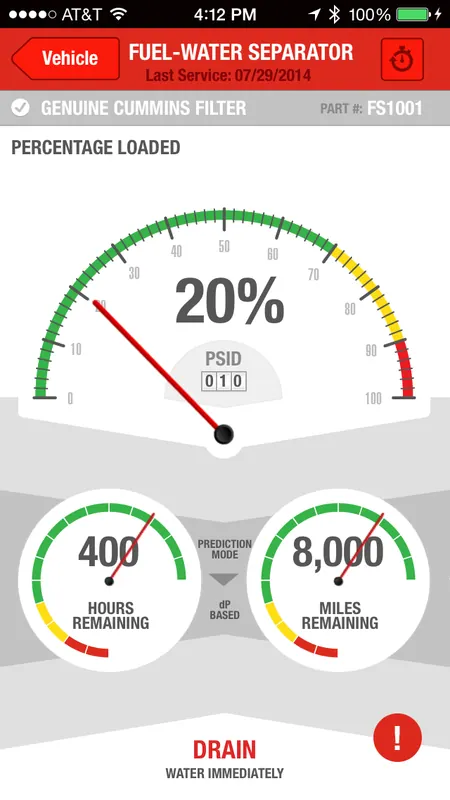
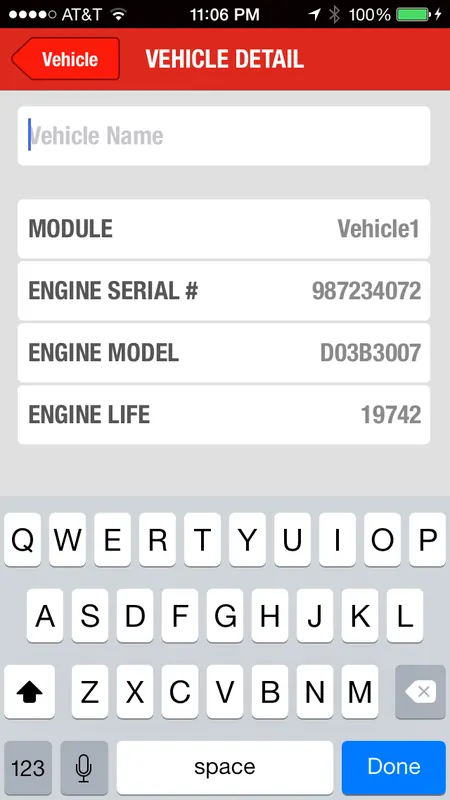
This app was developed for a major power equipment manufacturing company. It is used by commercial drivers to monitor the condition of various filters on their diesel engines. It uses Bluetooth Low Energy (BLE) and Apple's Core Bluetooth framework to retrieve real-time data from custom filter sensors.

  • Designed a custom protocol for securely sharing data over Bluetooth Low Energy (BLE).
  • Discovered and communicated with custom filter sensors using Core Bluetooth, and built a mock peripheral to support testing.
  • Managed and persisted filter condition and service history with MagicalRecord and Core Data.
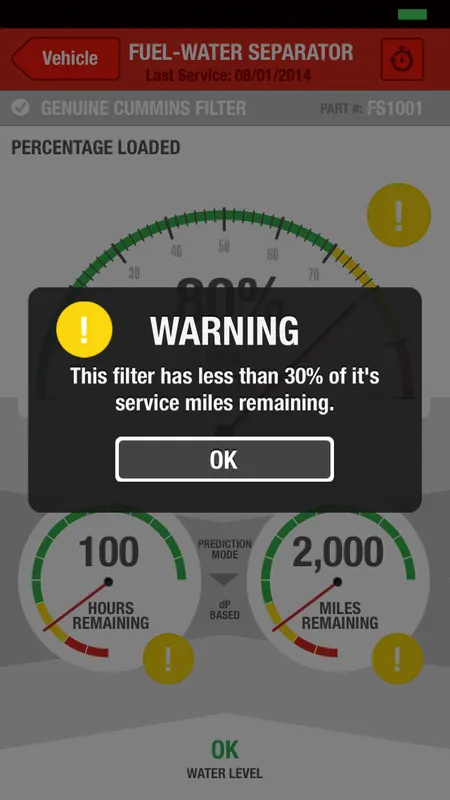
  • Animated pressure-gauge needles and remaining-hours and -miles gauges using UIKit and Core Animation.
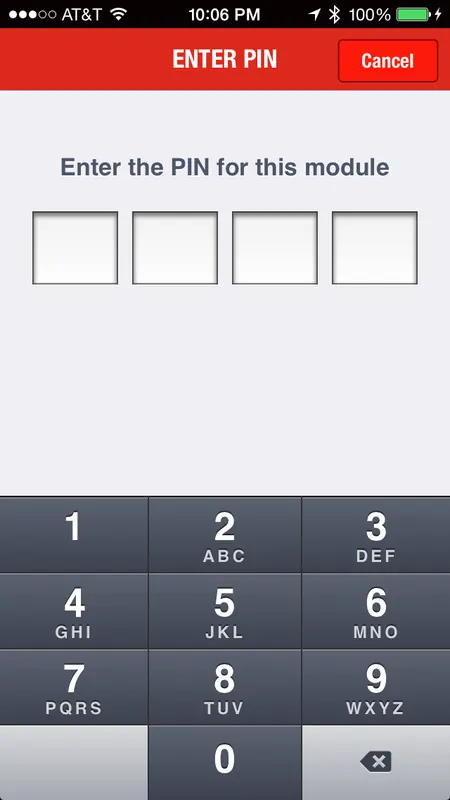
  • Built custom passcode, progress, alert, and action-sheet components.
  • Core Bluetooth
  • Bluetooth Low Energy
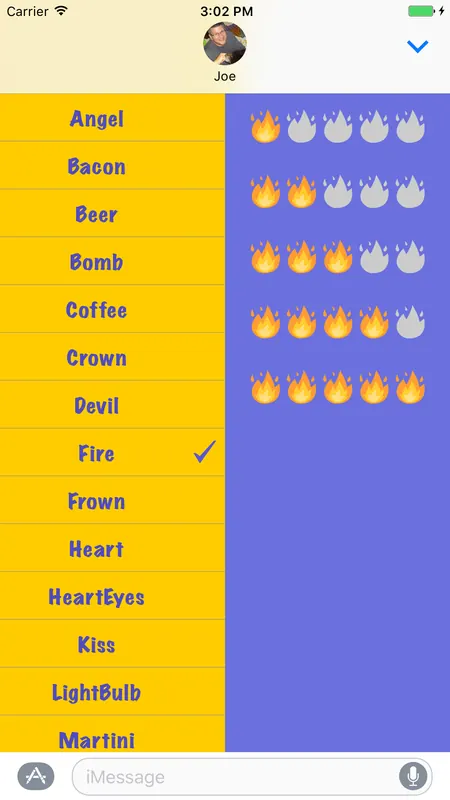
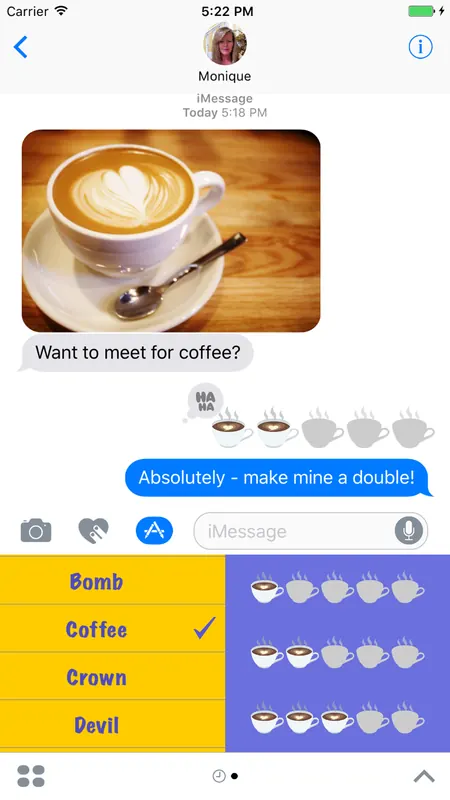
  • iRate for iMessage screenshot 1
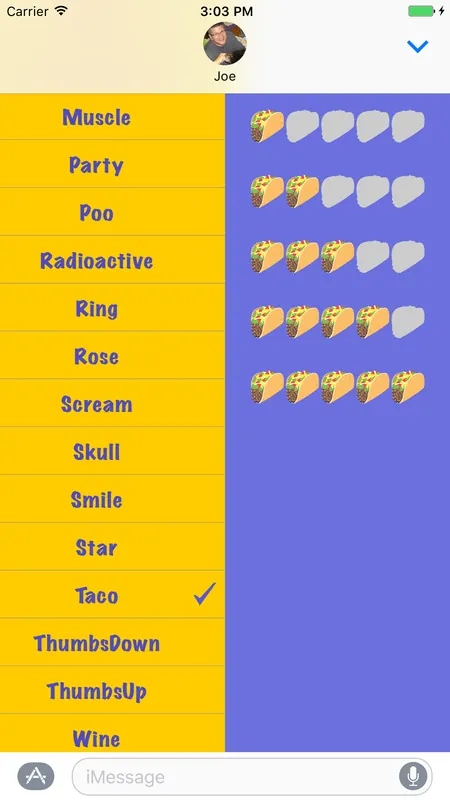
  • iRate for iMessage screenshot 2
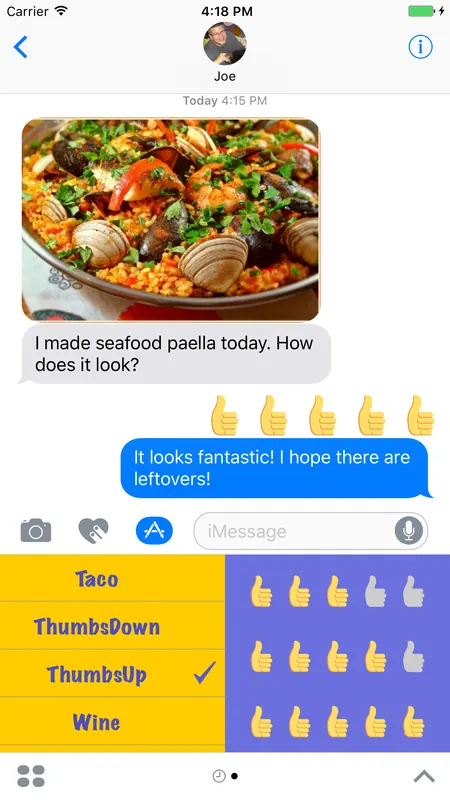
  • iRate for iMessage screenshot 3
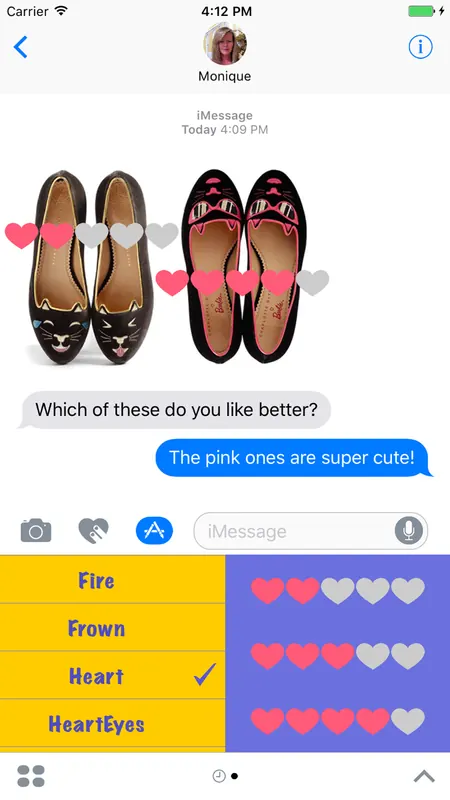
  • iRate for iMessage screenshot 4
  • iRate for iMessage screenshot 5

iRate for iMessage

The iRate for iMessage app lets users express their ratings using fun stickers of popular emoji. The app uses Apple's Messages framework to extend the Message app, and Apple's StoreKit framework to enable in-app purchases. Emoji art supplied by EmojiOne.

  • Messages
  • StoreKit
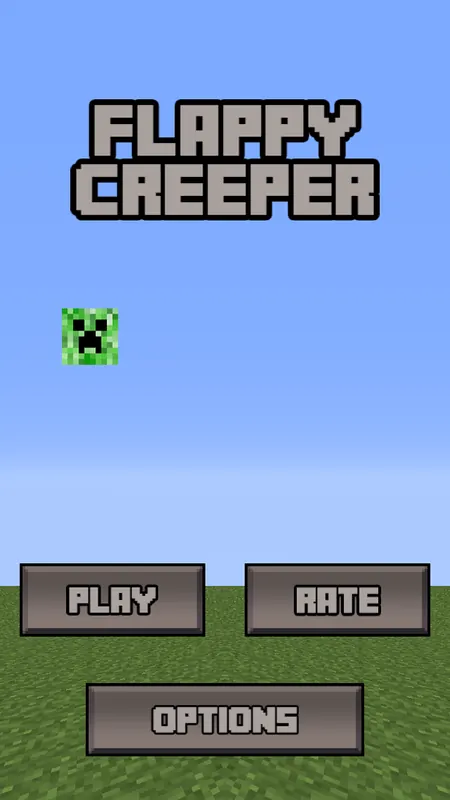
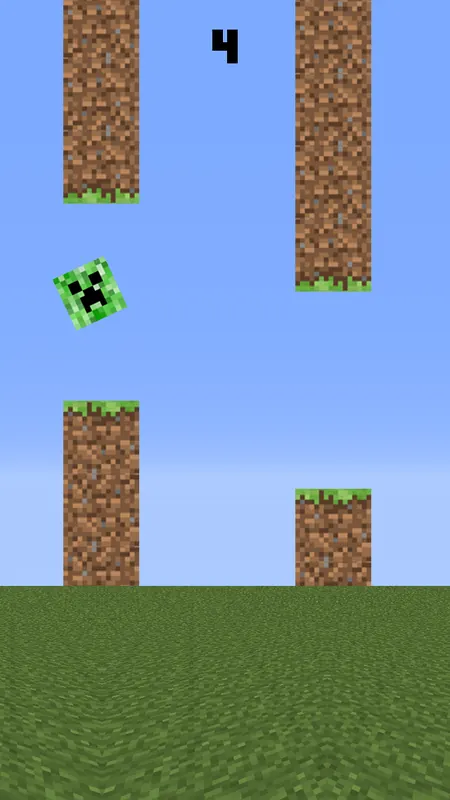
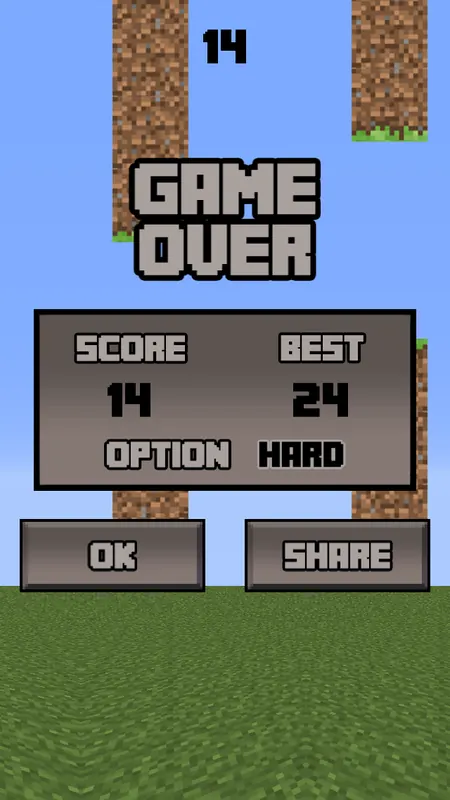
  • Flappy Creeper screenshot 1
  • Flappy Creeper screenshot 2
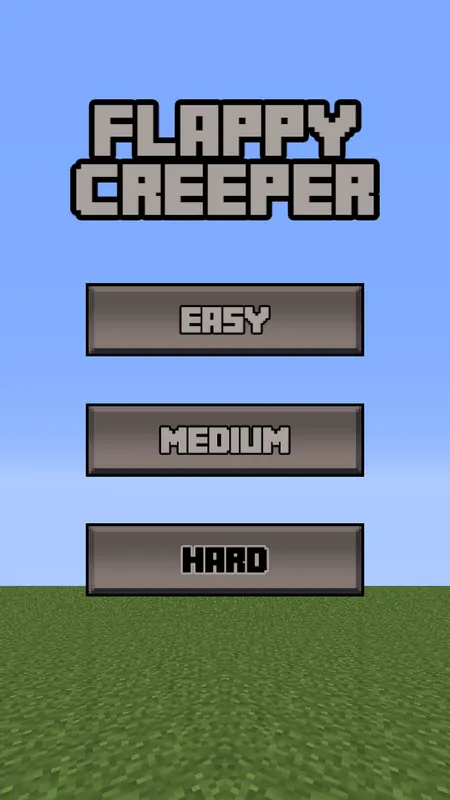
  • Flappy Creeper screenshot 3
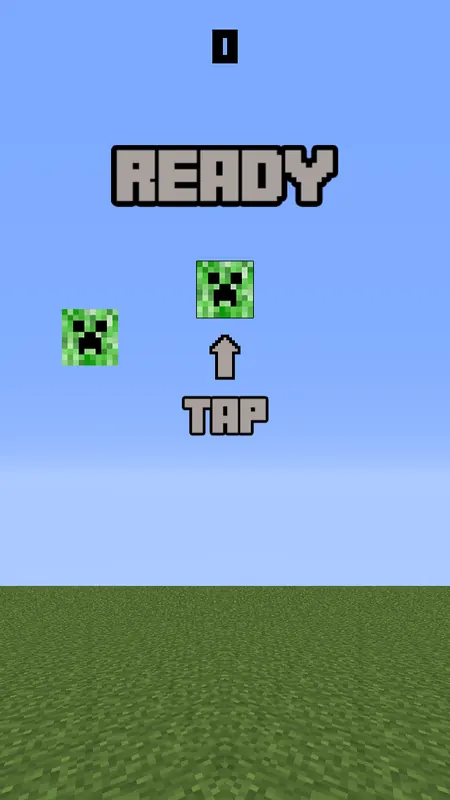
  • Flappy Creeper screenshot 4
  • Flappy Creeper screenshot 5

Flappy Creeper

The Flappy Creeper app is my contribution to the Flappy Bird meme. I built this app for my sons, who are fans of the game Minecraft. It was built using Apple's Sprite Kit, a framework for creating 2D games.

  • SpriteKit